Blog
Guides, tutorials, and insights on automated crypto trading with Quantilan.
Guide
Quickstart
Insight
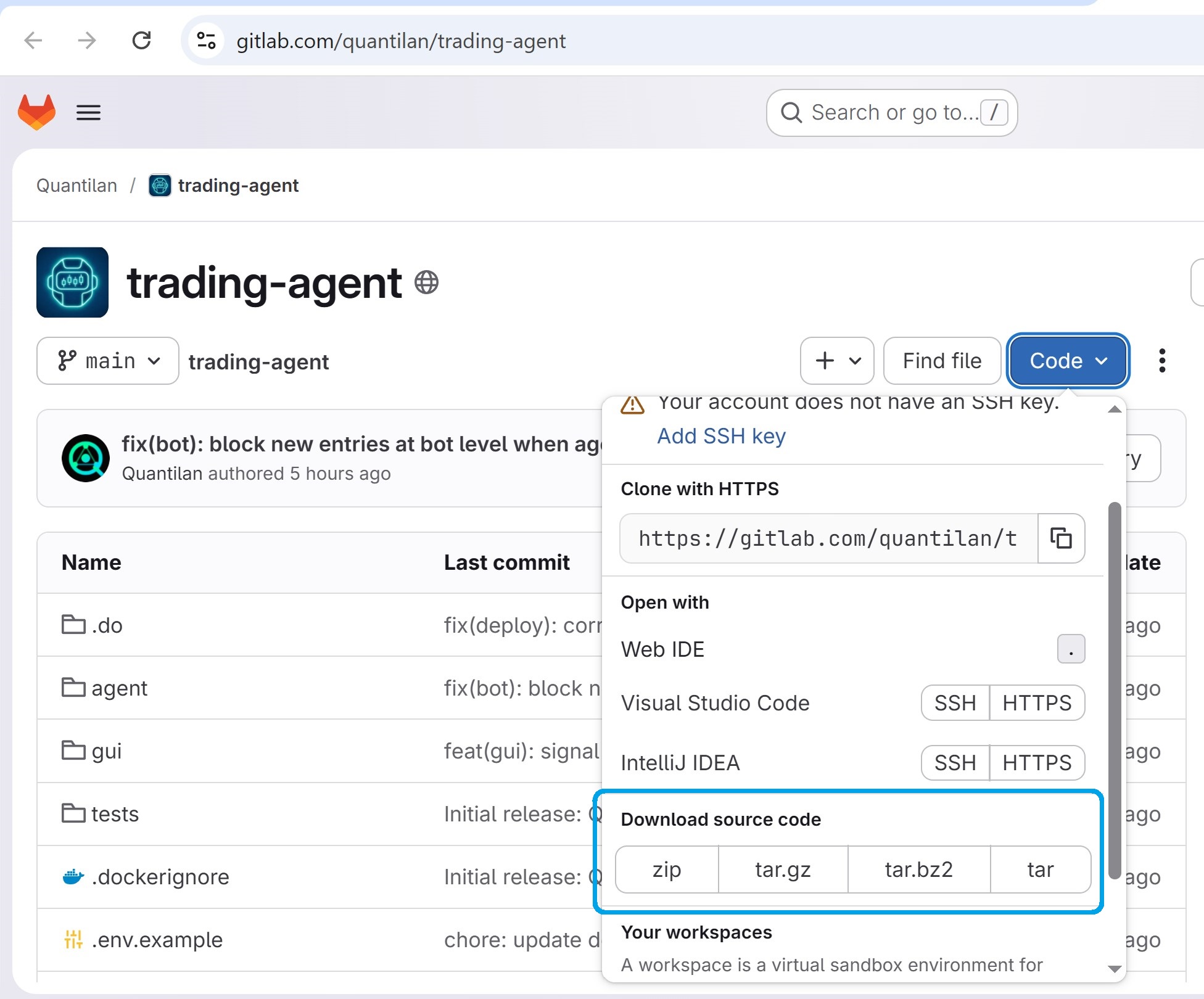
Quickstart
Try Quantilan Locally in 3 Steps — Paper Mode
Install on your PC or Mac, configure Telegram and test exchange, run free Paper mode — screenshots for every step.
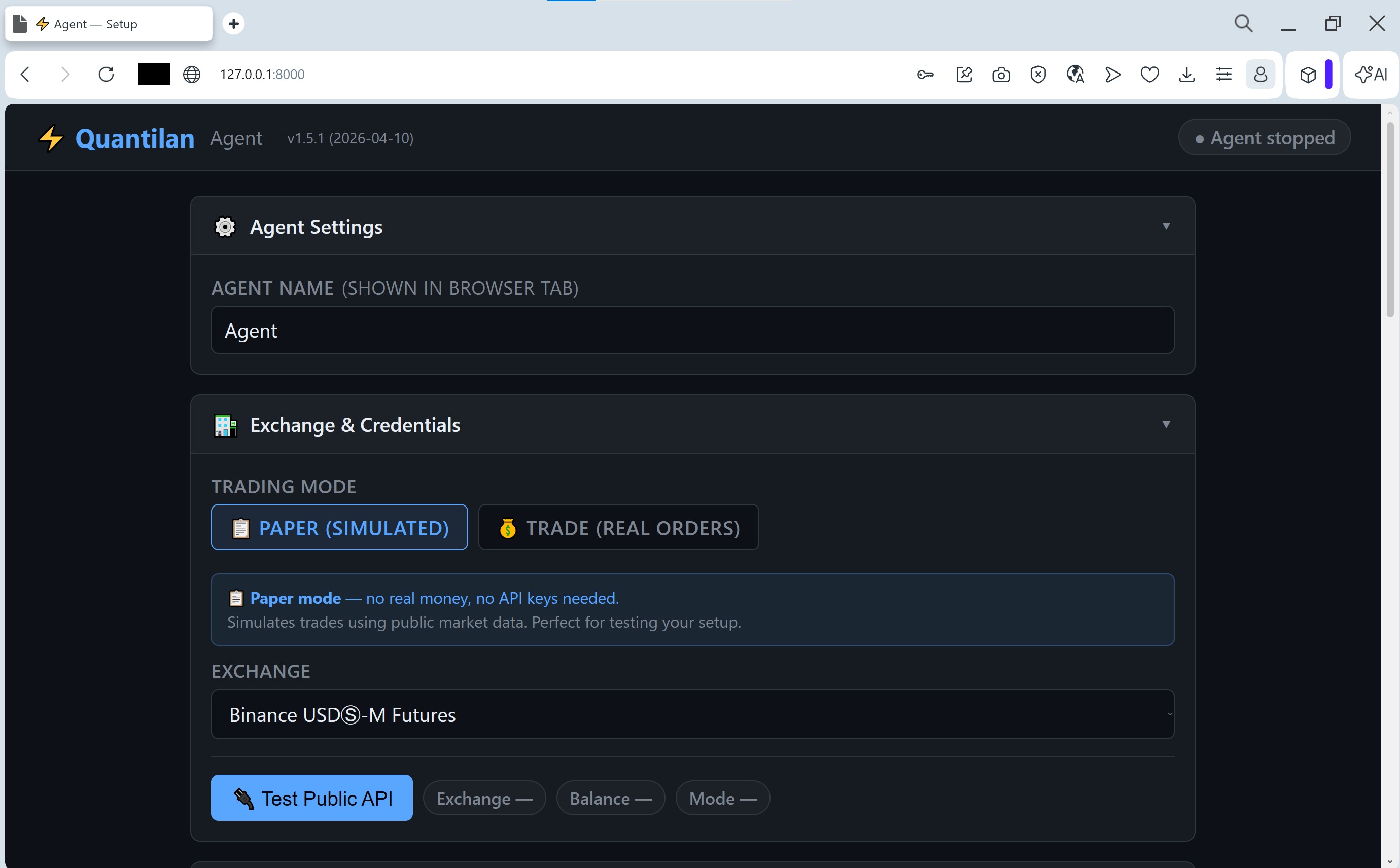
Guide
Trading Agent Setup Guide — Step-by-Step Configuration
Configure exchange API, risk management, Telegram bot, signal sources, and AI Analyst — agent running in minutes with screenshots.
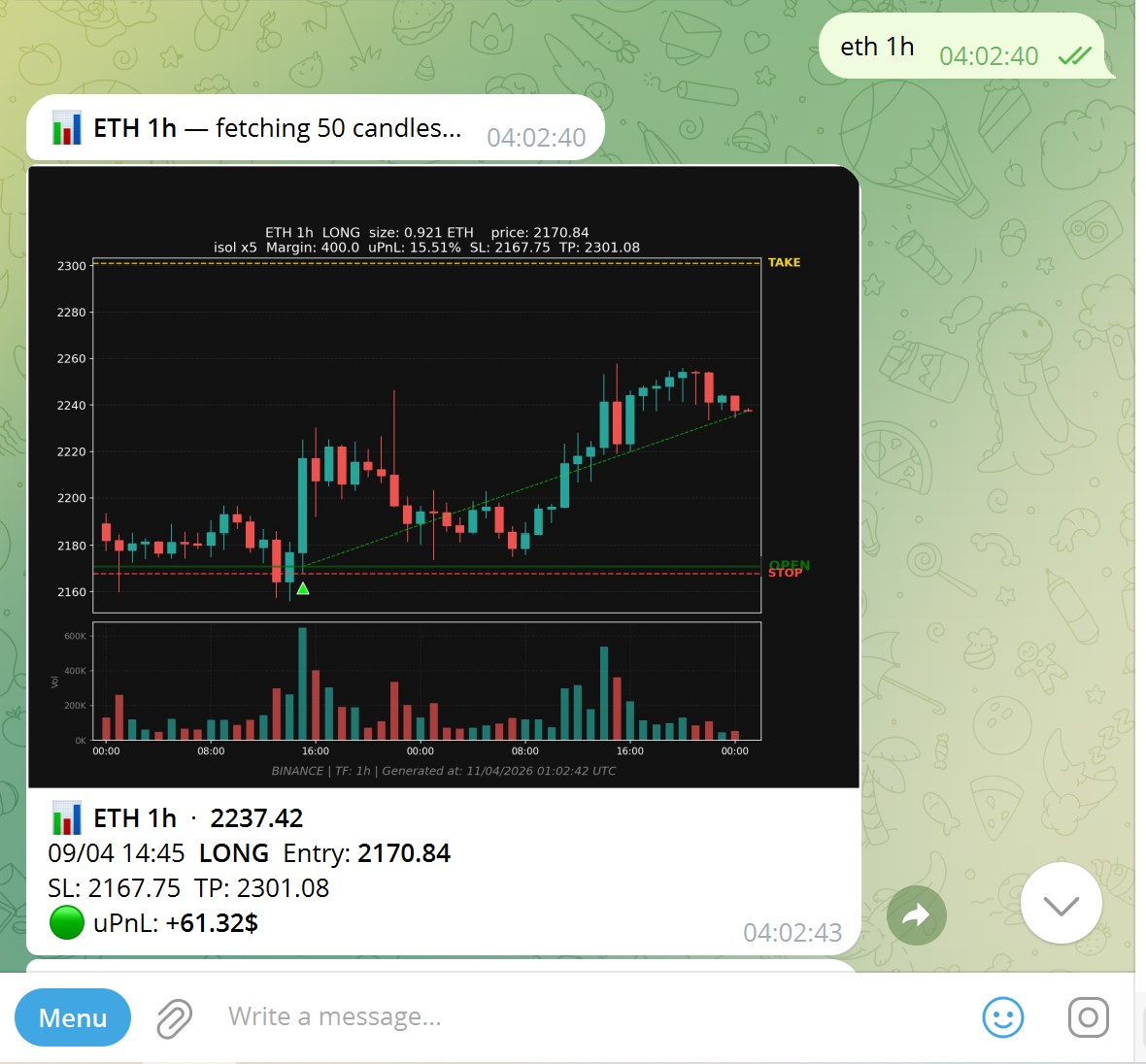
Guide
Trade Crypto from Telegram — Your Agent, Always at Hand
Type commands, forward channel signals, get chart screenshots — all from your Telegram chat. No exchange tab needed.
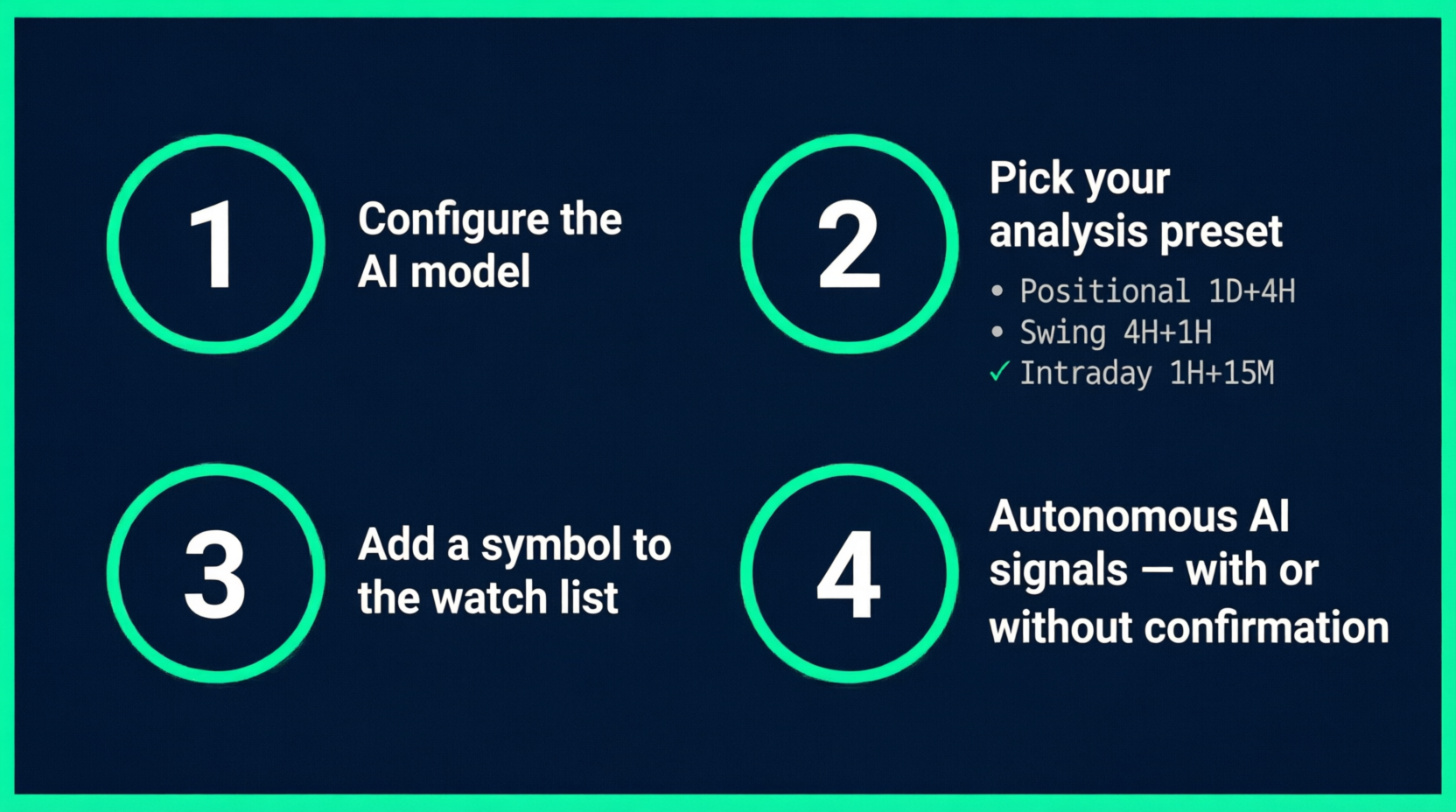
Guide
AI Helper — The Agent That Trades While You Sleep
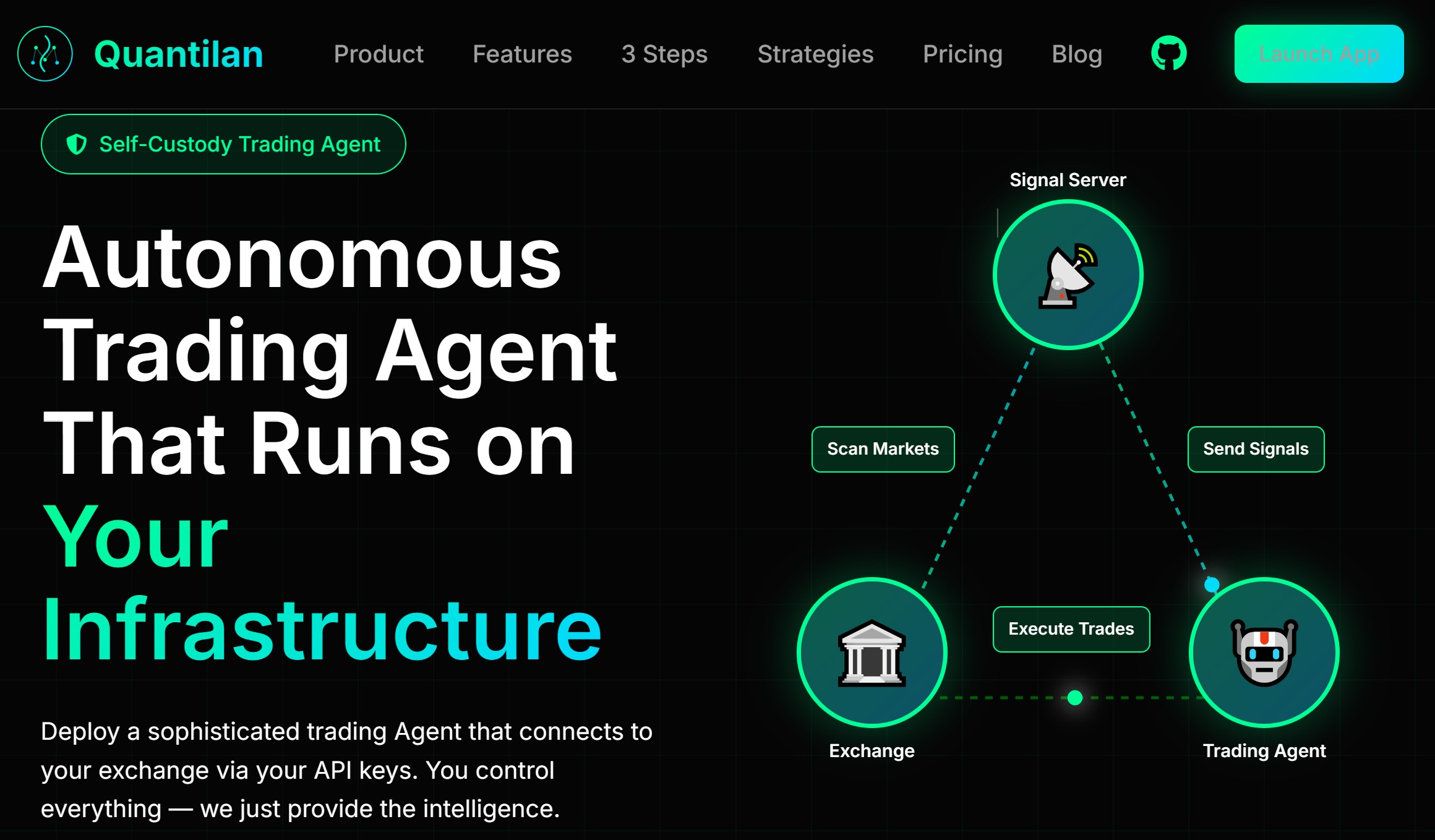
Set up autonomous AI trading in 5 minutes. The agent watches your symbols, analyses every new candle, and fires LONG/SHORT/CLOSE signals automatically.
Quickstart
VPS Setup for Your Trading Bot — $6/Month Guide
Get a $6/month DigitalOcean VPS, install Quantilan in one command, and access the GUI from your browser. 24/7 trading in 10 minutes.
Quickstart
Deploy Quantilan Trading Bot — 15-Minute Setup Guide
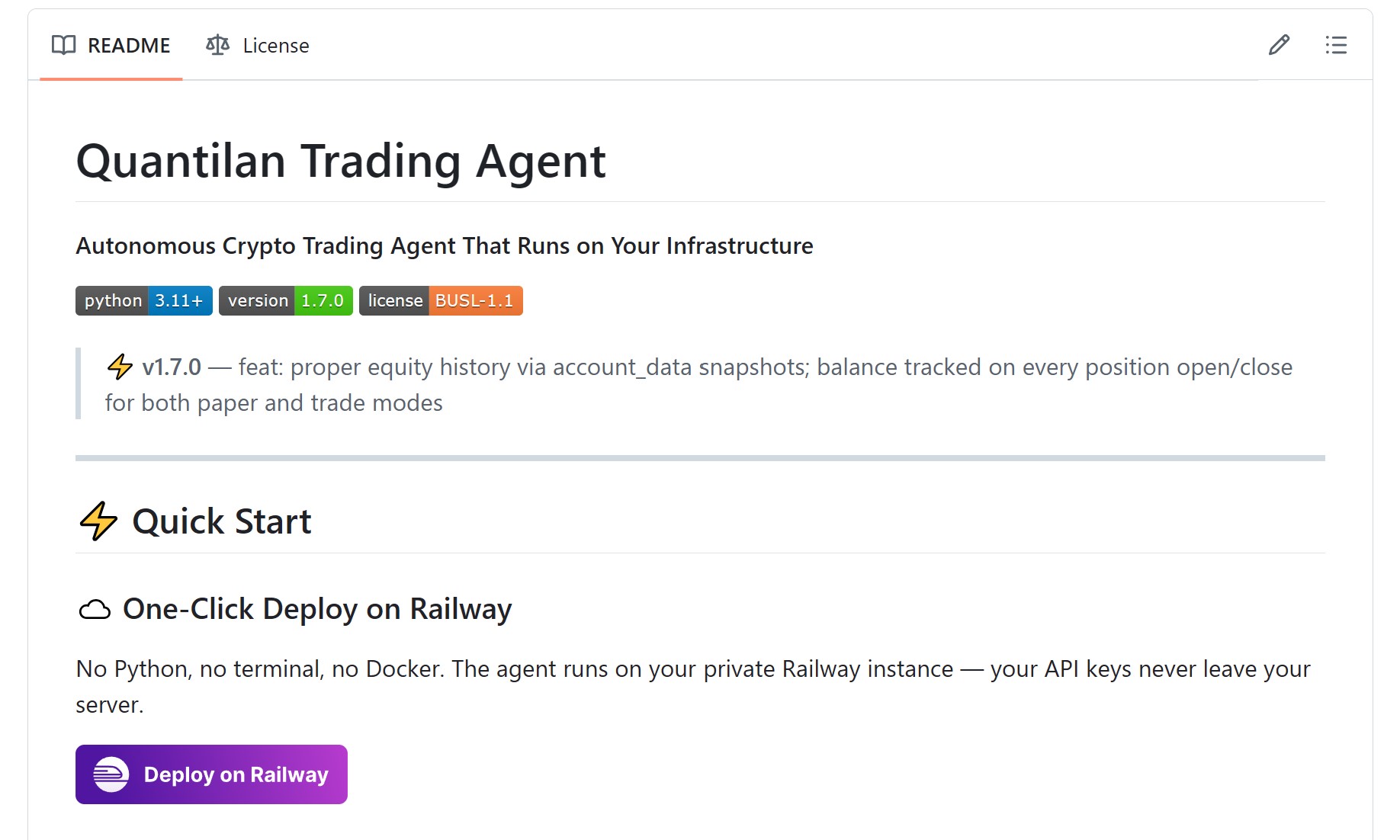
Step-by-step deployment on your VPS. Connect the first signal source and have automated trading running in 15 minutes.
Insight
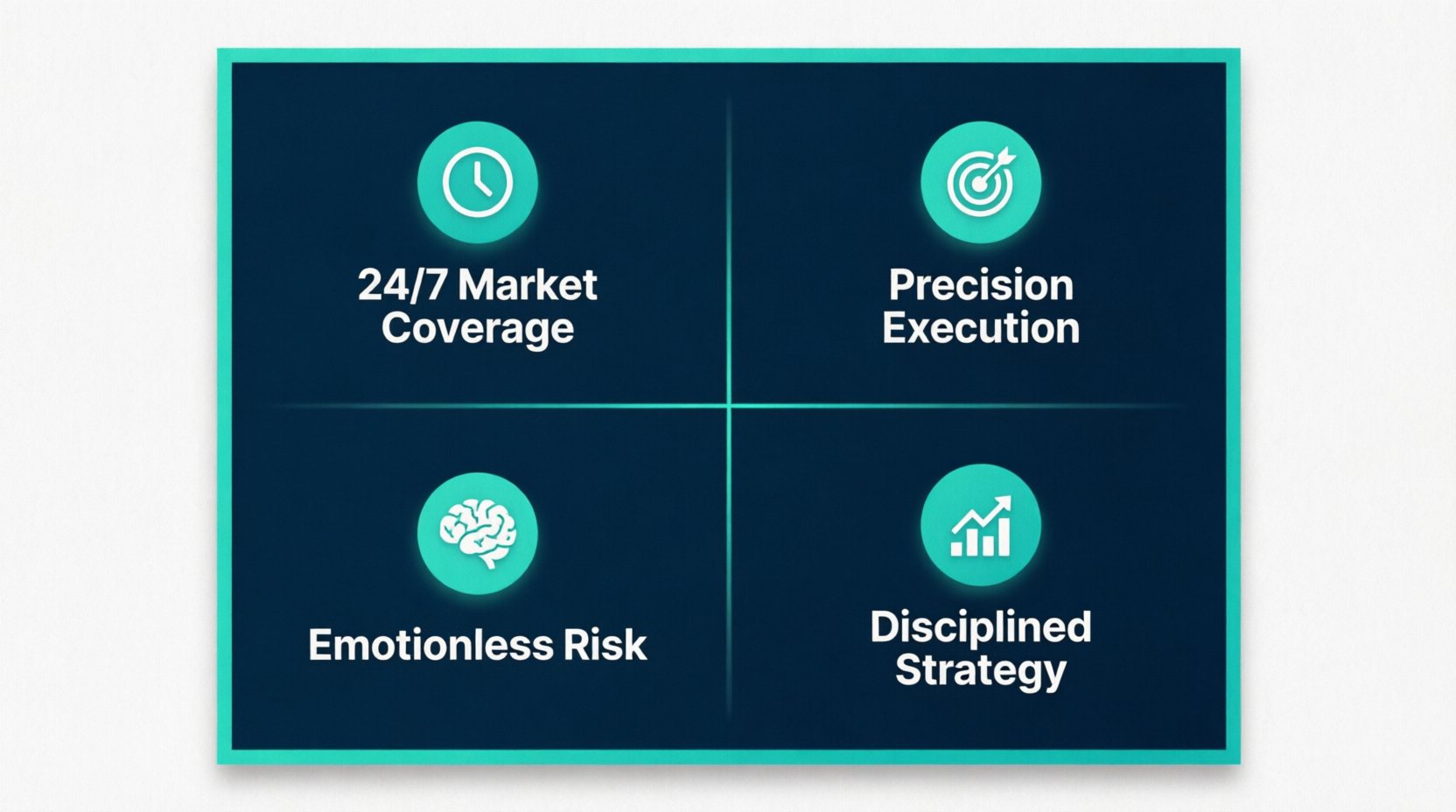
Algorithmic Trading Benefits — 24/7 Crypto Profits
24/7 operation, emotion-free execution, backtesting, and consistent strategy application — why algo trading outperforms manual trading.