Quantilan
How it works
Why Atlas
Strategies
Trading agent
Blog
News
Get Signal Atlas
quantilan.com
Blog
Guides, tutorials, and insights on automated crypto trading with Quantilan.
Guide
Quickstart
Insight
Methodology
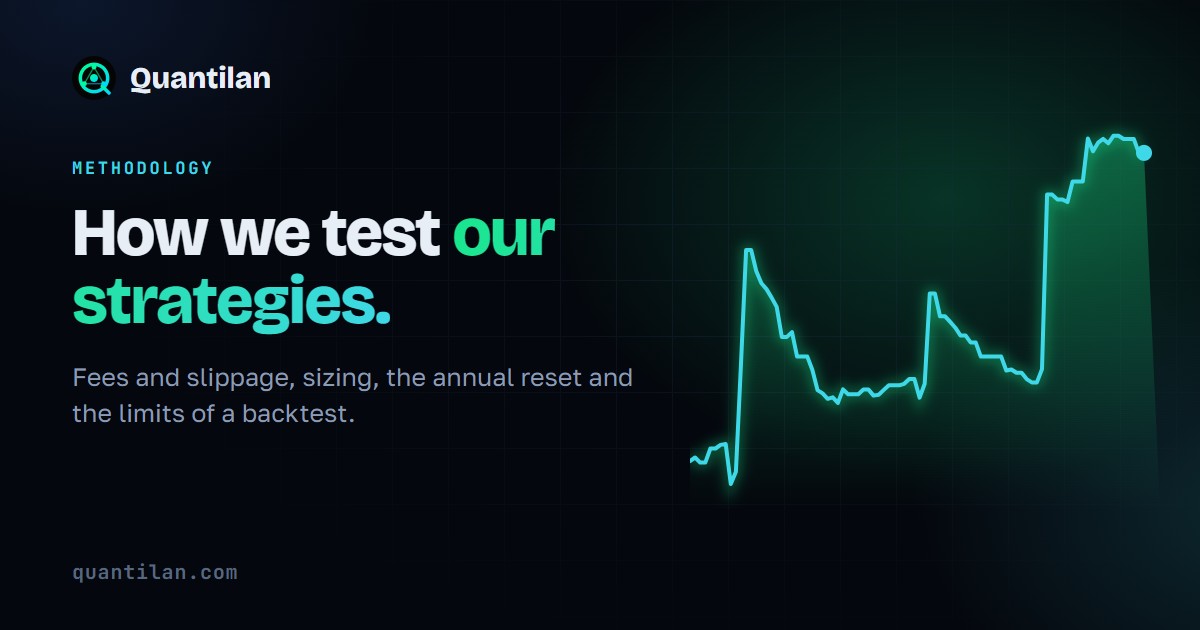
How We Test Our Strategies
Sequential 15-minute simulation, fees and slippage, position sizing, the annual reset, metric definitions and the limits of a backtest.
Quickstart
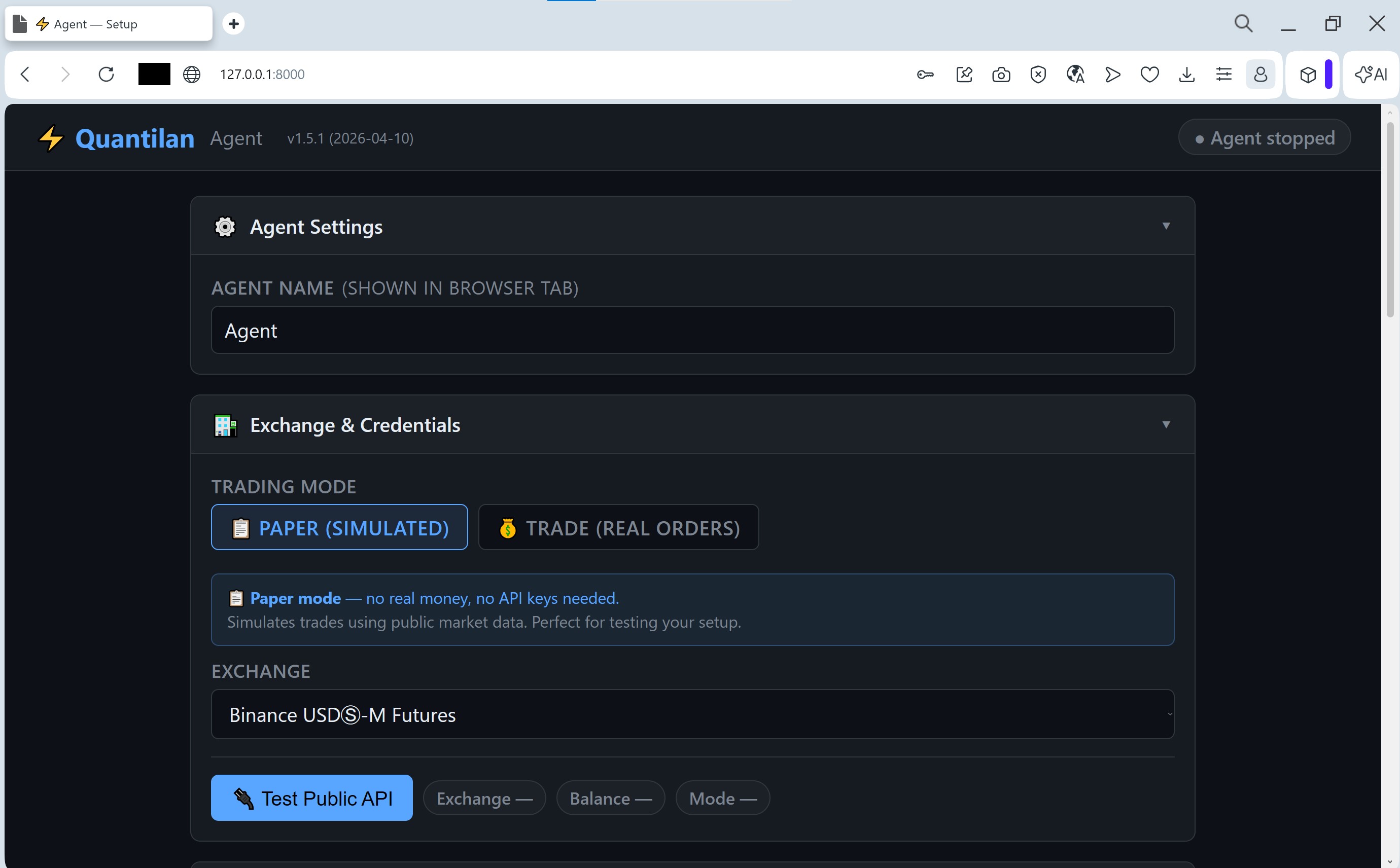
Try Quantilan Locally in 3 Steps — Paper Mode
Install on your PC or Mac, configure Telegram and test exchange, run free Paper mode — screenshots for every step.
Guide
Trading Agent Setup Guide — Step-by-Step Configuration
Configure exchange API, risk management, Telegram bot, signal sources, and AI Analyst — agent running in minutes with screenshots.
Guide
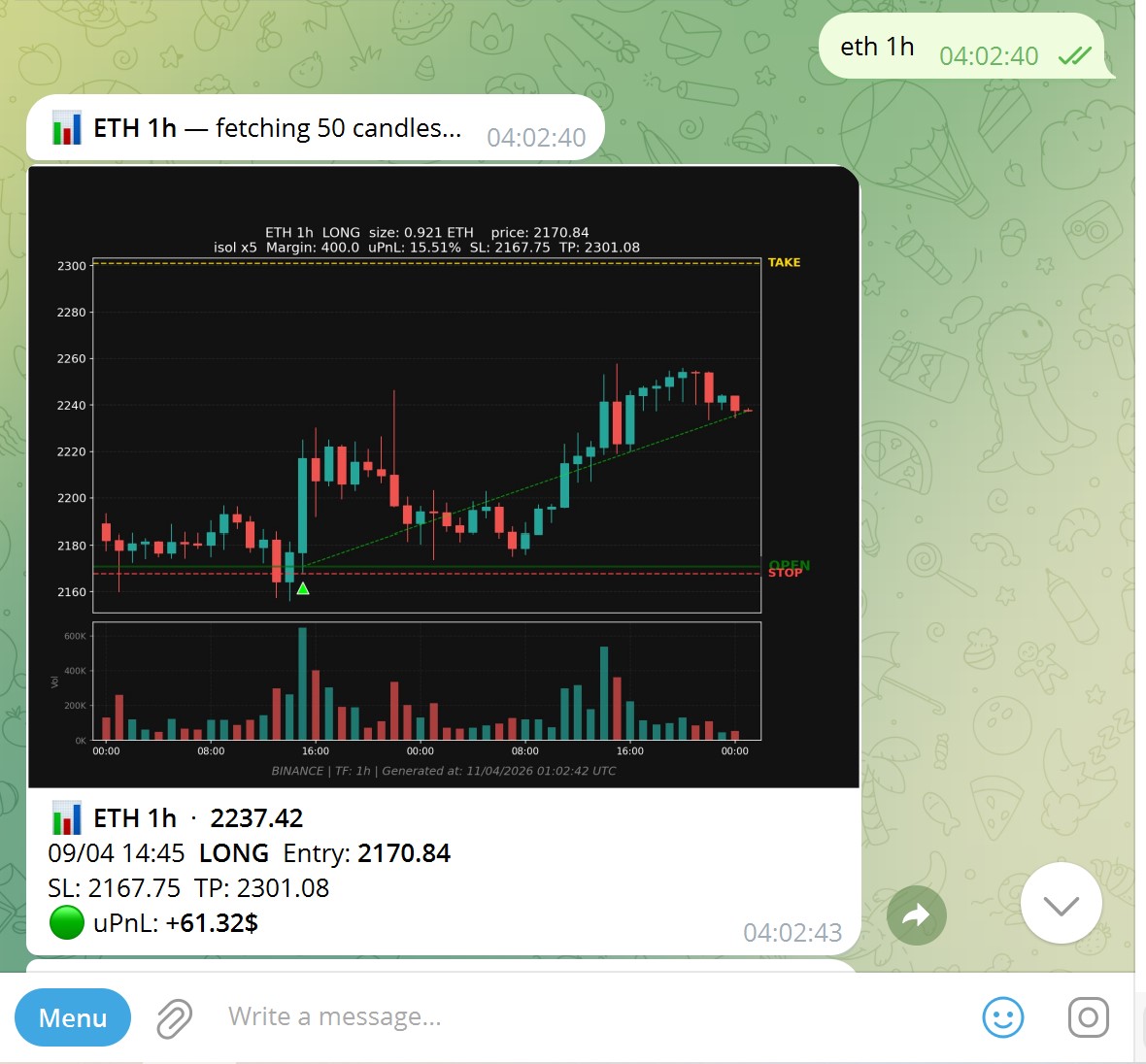
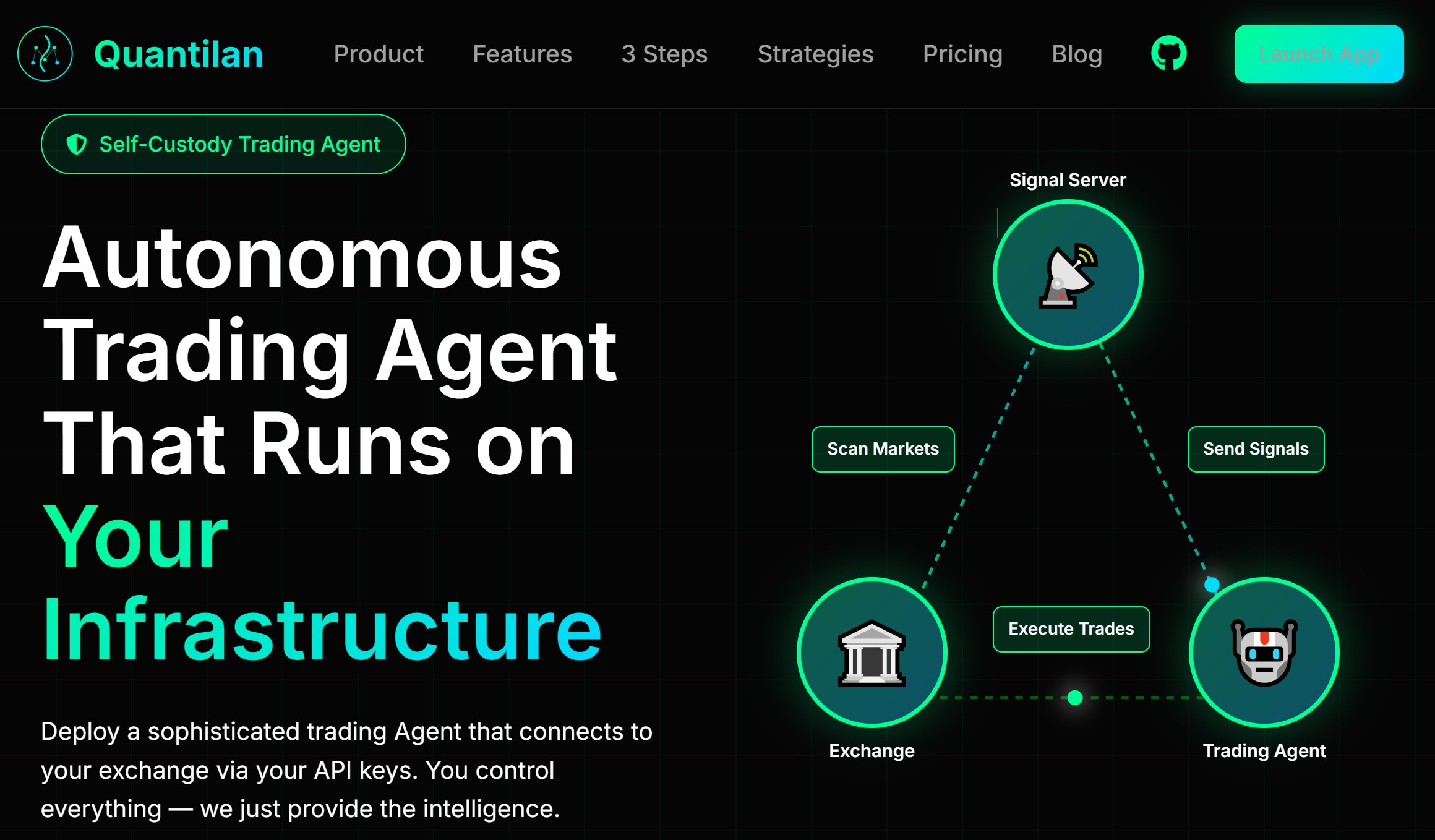
Trade Crypto from Telegram — Your Agent, Always at Hand
Type commands, forward channel signals, get chart screenshots — all from your Telegram chat. No exchange tab needed.
Guide
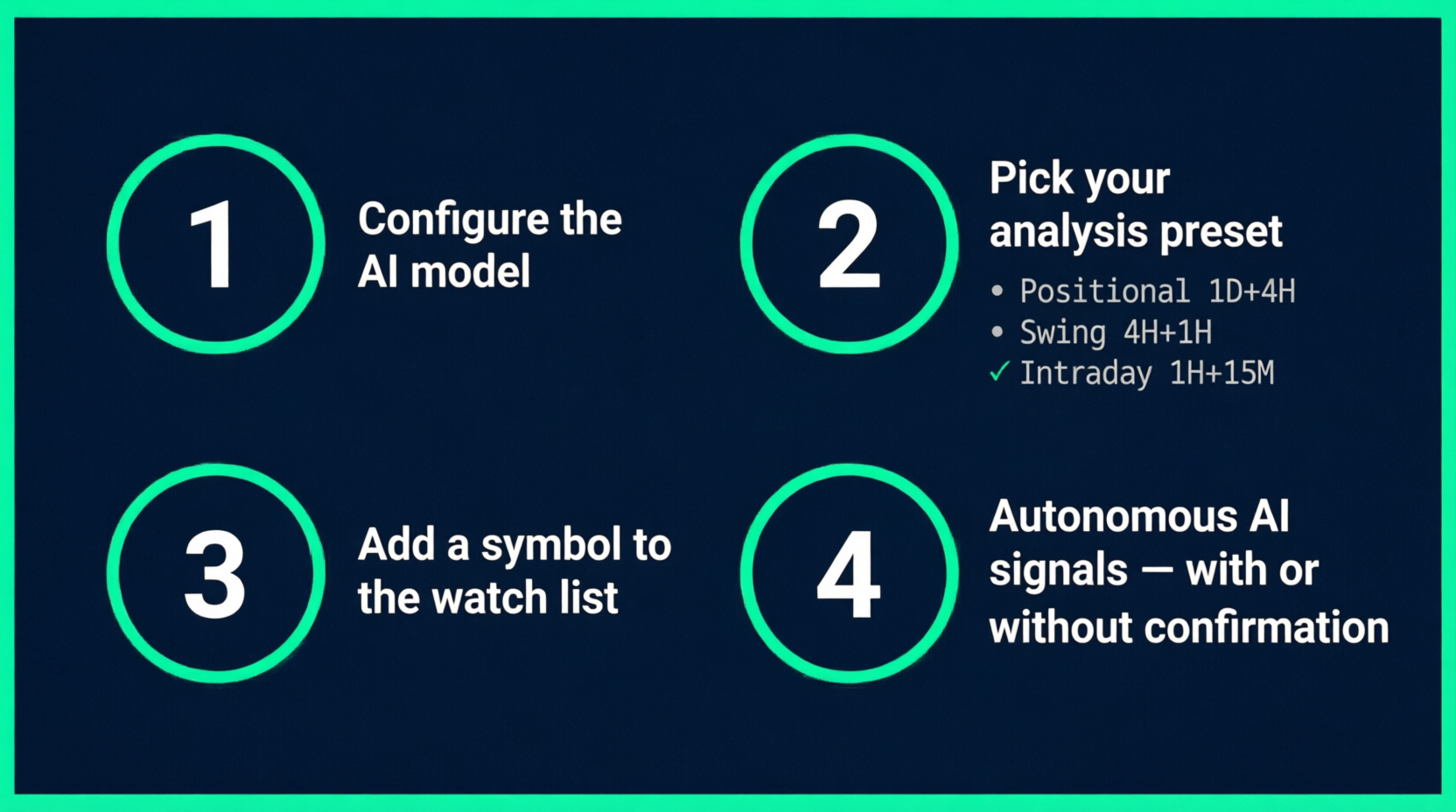
AI Helper — The Agent That Trades While You Sleep
Set up autonomous AI trading in 5 minutes. The agent watches your symbols, analyses every new candle, and fires LONG/SHORT/CLOSE signals automatically.
Quickstart
VPS Setup for Your Trading Agent — $6/Month Guide
Get a $6/month DigitalOcean VPS, install Quantilan in one command, and access the GUI from your browser. 24/7 trading in 10 minutes.
Quickstart
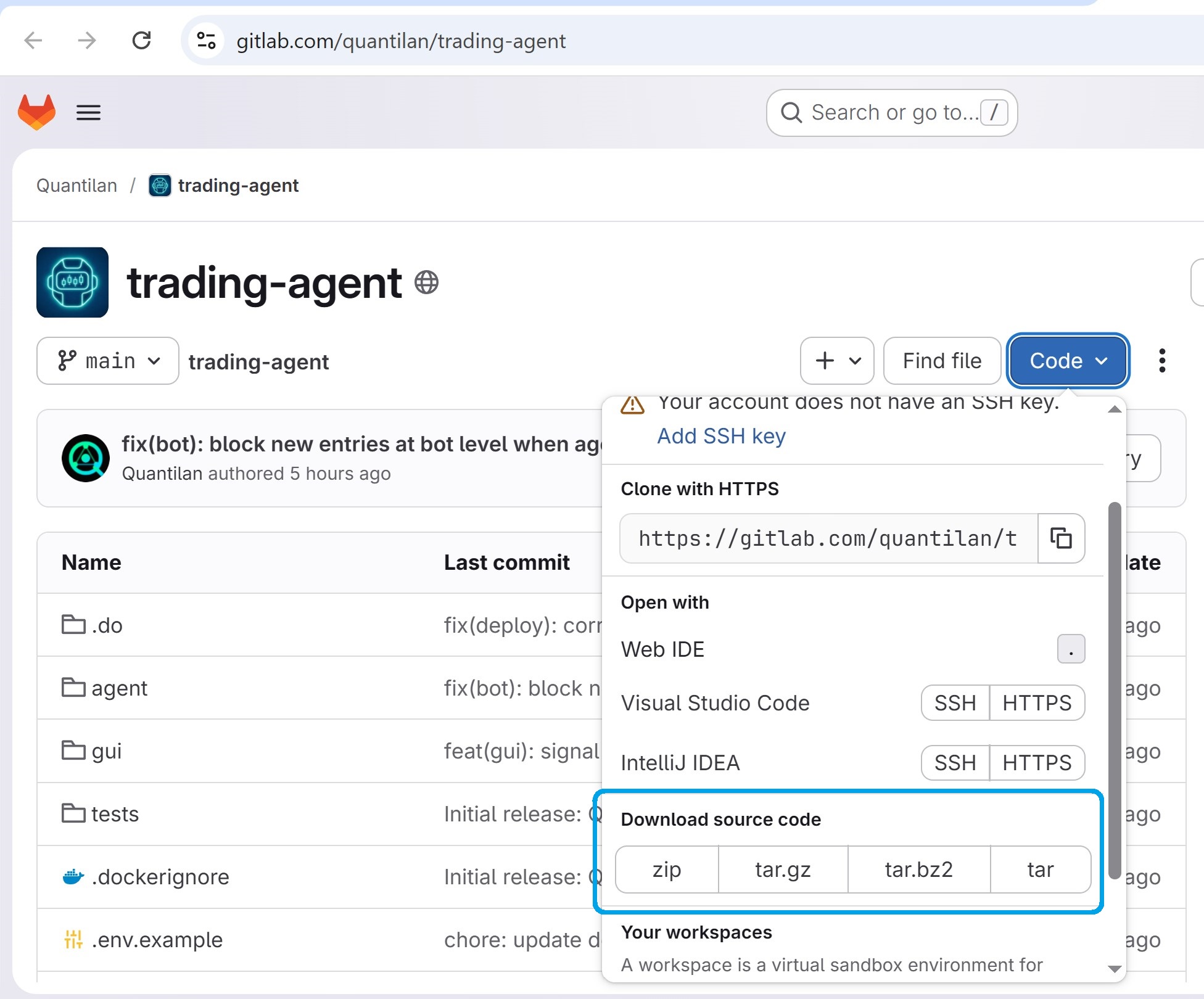
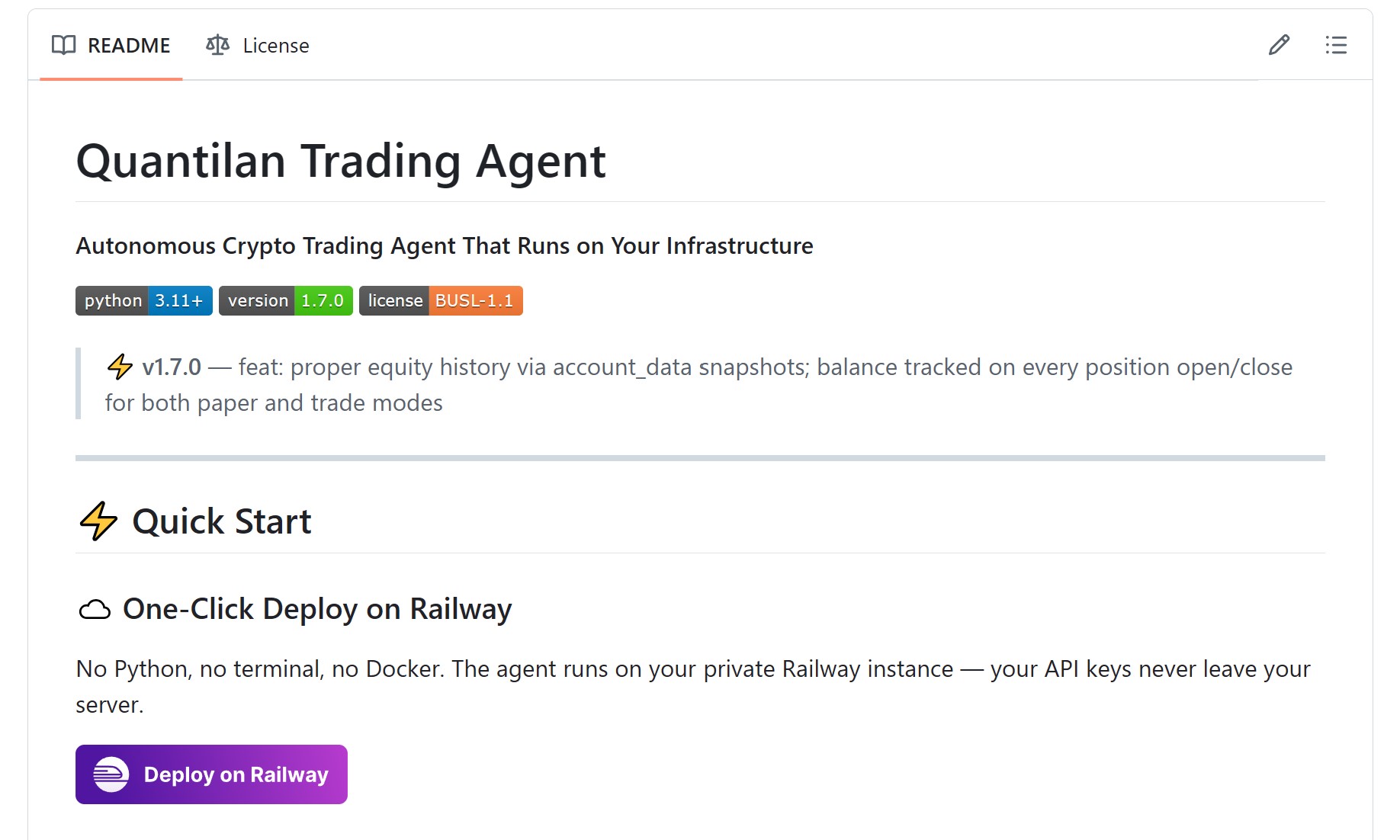
Deploy Quantilan Trading Agent — 15-Minute Setup Guide
Step-by-step deployment on your VPS. Connect the first signal source and have automated trading running in 15 minutes.
Insight
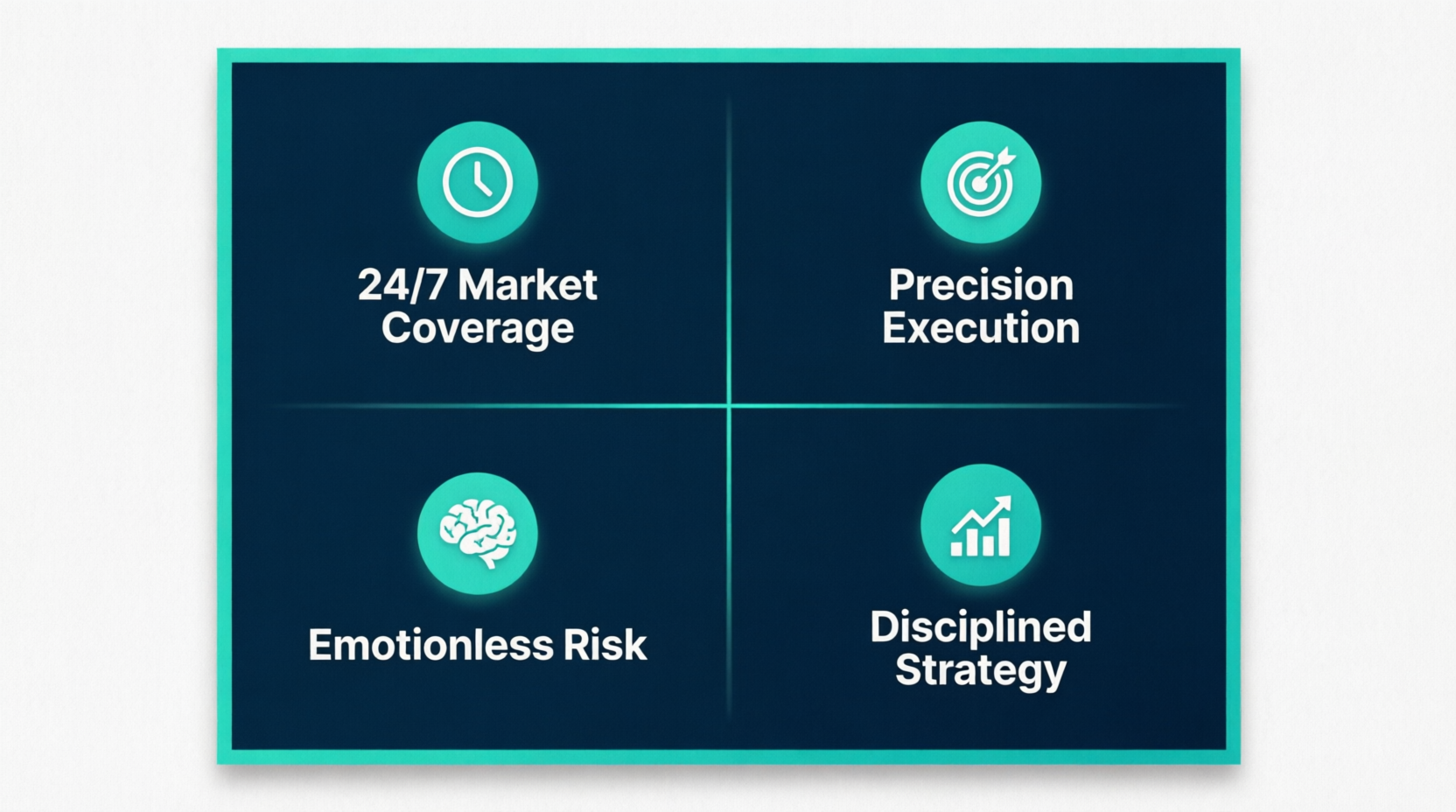
Algorithmic Trading Benefits — 24/7 Crypto Profits
24/7 operation, emotion-free execution, backtesting, and consistent strategy application — why algo trading outperforms manual trading.
 Quantilan